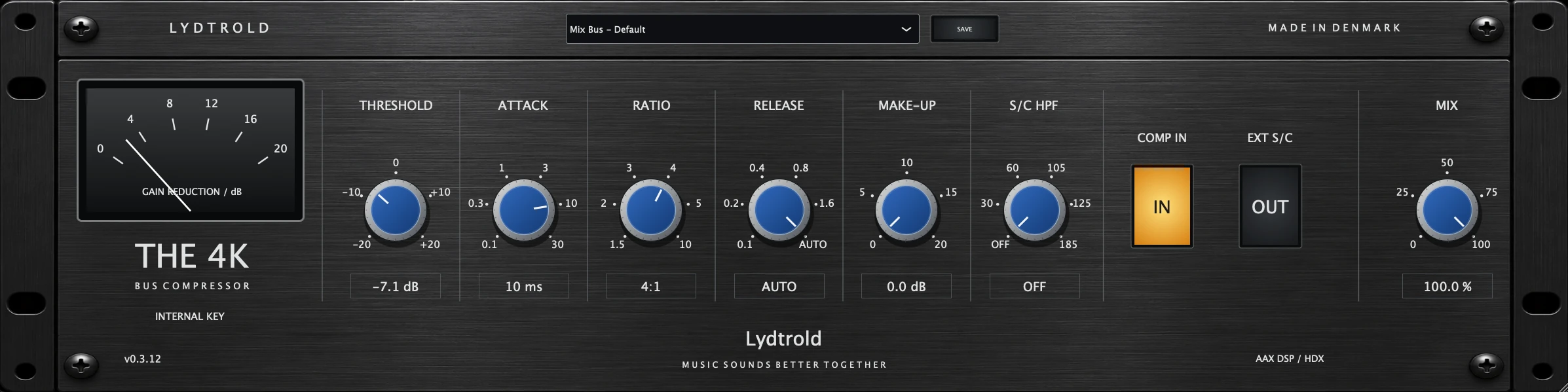
Choose AAX Native for processing on your computer. Choose AAX DSP when you need compatible plug-ins to process audio on Pro Tools HDX hardware.
Where the audio is processed
AAX Native processes audio on the host computer. AAX DSP runs the compatible audio processing on dedicated Avid DSP hardware; the computer still handles the interface and other plug-in tasks.
Moving compatible processing to HDX can free some host CPU capacity. It does not remove every CPU load in the session, and HDX has its own finite processing and memory capacity.
Choose for the session you actually run
For a computer-based Pro Tools setup without HDX, choose Native. For recording through compatible processing on HDX, look for an explicit AAX DSP edition. An AAX label alone does not establish DSP compatibility.
For other DAWs, check the format they accept: AU is available on Mac, while VST3 support depends on the host. The Lydtrold format overview lists availability by product.
AAX DSP and UAD are different systems
Universal Audio DSP plug-ins use compatible Apollo or UAD-2 hardware. UA also offers Native plug-ins that run on the computer. These are separate processing options from AAX DSP on HDX: buying a plug-in for one hardware system does not make it run on the other.
Check the exact edition and hardware requirements before buying. Compare the workflow you need, rather than treating every product labelled DSP as interchangeable.
Moving between HDX and Native sessions
Before moving a project, confirm that the destination has the required plug-ins, versions and licences. Save a copy and check inserts, automation and routing when you reopen it.
Where matching Native and DSP versions are available, confirm that the intended version loads. Keep printed audio or stems for critical processing when another studio may not own the same plug-ins. Lydtrold DSP editions include Native formats; exact availability is listed on each product page.